Chase bank statement to Excel
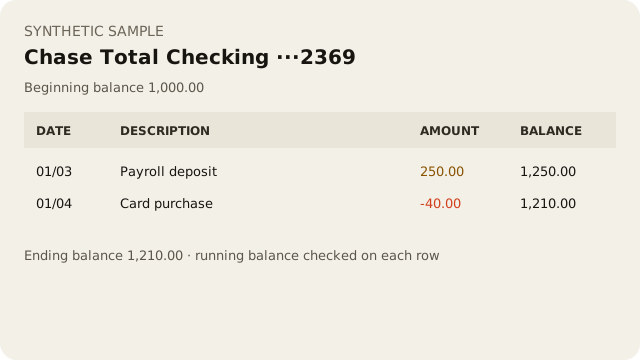
Upload a Chase Total Checking or Chase Savings PDF. You get a spreadsheet, plus a check that each printed running balance follows the row before it.
Drop your PDF statement hereUpload your PDF statement
Choose PDFText-based PDF, not scanned. Up to 50 pages or 20 MB.
- Files deleted after processing — the PDF stays on this device and is never sent to AI services
- Free for 3 files, then $19/month. Cancel anytime.
- Preview the result before you sign in
How a Chase statement is read
Checking and savings sections are separate. A file that contains both is still one conversion, and it passes only if every section passes.
Beginning Balance and Ending Balance rows are the statement totals, not transactions.
Each transaction line has a printed balance. We recompute that balance from the opening balance and flag the first row that does not match.
Dates printed as month/day pick up the year from the statement period, including a December-to-January statement.